


Beurer Bluetooth Glass Scale: Advanced Body Composition Analysis
Original price was: $163.90.$99.99Current price is: $99.99.
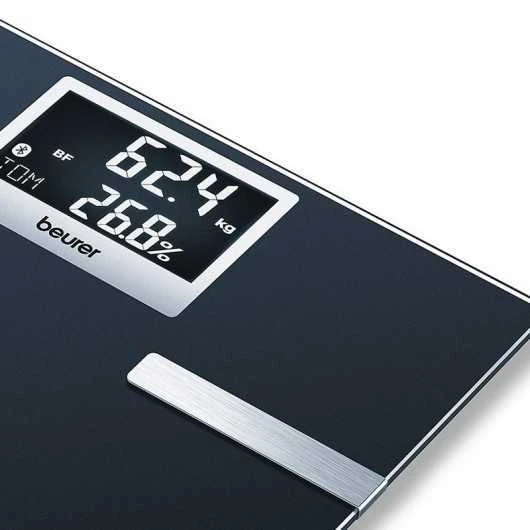
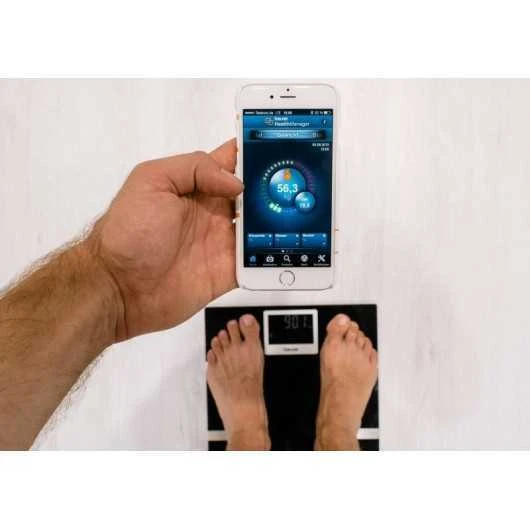
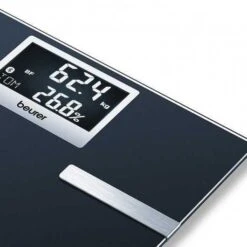
The Beurer Bluetooth Glass Body Fat Scale is a sophisticated health monitoring tool designed to provide comprehensive body composition analysis. This scale measures body weight, body fat, body water, bone mass, and muscle ratio, offering a complete overview of your health and fitness. The scale’s sleek black platform of safety glass and black LCD display with white illuminated digits make it a stylish addition to any bathroom. It connects wirelessly to your smartphone via Bluetooth, allowing you to track your progress over time using the free Beurer Health Manager App. The scale can recognize up to 8 users, displaying data clearly on a large, easy-to-read screen. With a weight limit of 180 kilograms and a 5-year warranty, it’s a reliable and durable choice for anyone focused on maintaining a healthy lifestyle.
Free shipping !
- Guaranteed High Quality
- Quality and Affordability Combined
- Safe Shopping Guaranteed
- Online customer care, always here for you.

FIND OUT ABOUT… BF 700 !
BF 700 displays weight, percentage of fat, body water, muscle and bone mass ratio, AMR / BMR and BMI.
It can store 8 profiles with automatic user recognition and 5 levels of activity.
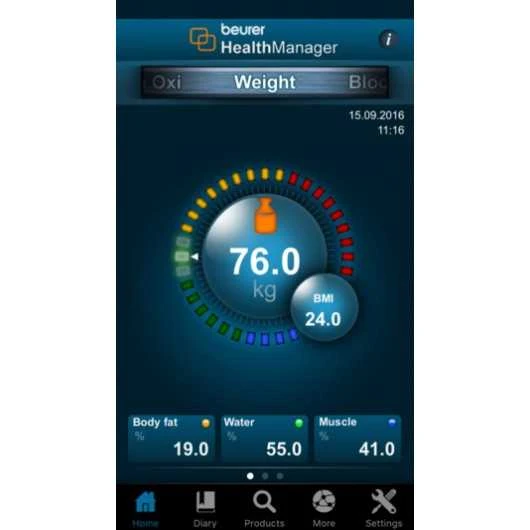
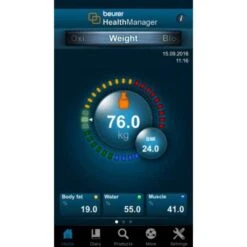
Your health data is presented in a clear and complete way using diagrams, tables of values and a practical agenda function.
Beurer HealthManager System – achieve optimal weight control in four steps
1. Download HealthManager app:
Download the free “Beurer HealthManager” app* from the App Store. Then start the app* and follow the instructions to set up the BF 700.
2. Select BF 700 in the app
First of all, select the correct device.
3. User allocation:
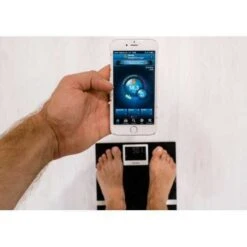
Continue user allocation according to the instructions on the app*. For automatic personal recognition, the first measurement must be assigned to your personal user data. When you step onto the scale for future measurements, the scale will automatically recognise you as one of the eight possible users.
4. Weighing yourself:
Now step onto the scale and weigh yourself. The values will automatically be allocated to you as the user.
Be the first to review “Beurer Bluetooth Glass Scale: Advanced Body Composition Analysis”
Related products






Reviews
There are no reviews yet.